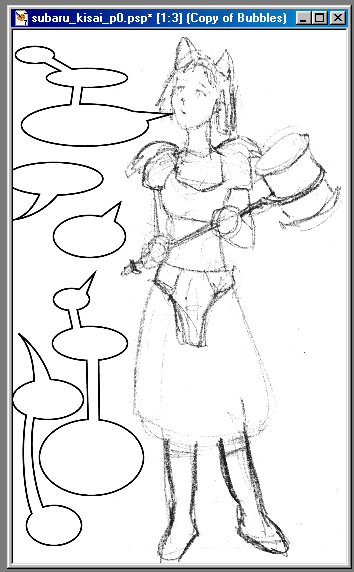
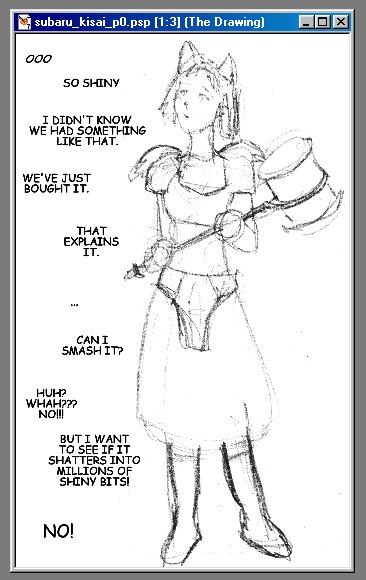
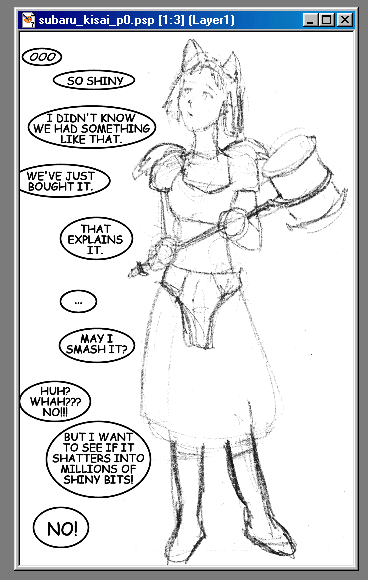
Let us add bubbles to this image:
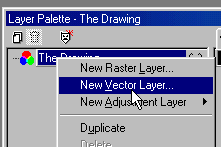
1) On the layers palette, right click one layer, and select "New vector layer"
1.1) You can name the layer "bubbles" for convenience
2) Left click on the layer to make it the active layer
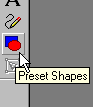
3) Select vector shape tool. (second to last on the tool bar)
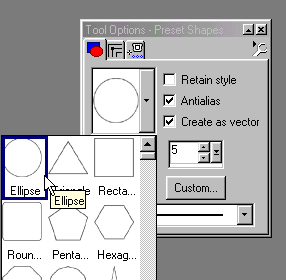
4) Press "O" key untill the tool options show.
5) Set the tool like this:
Ellipse,
[not] retain style
[yes] anti alias
[yes] create as vector.
5.1) Adjust linewidth to your liking.
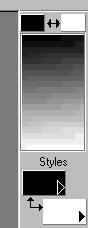
5.2) Make sure you have Black and White as active colours.
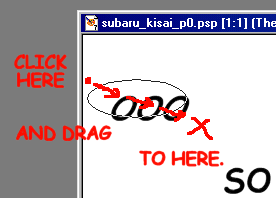
6) Click and drag to draw ellipses around your text.
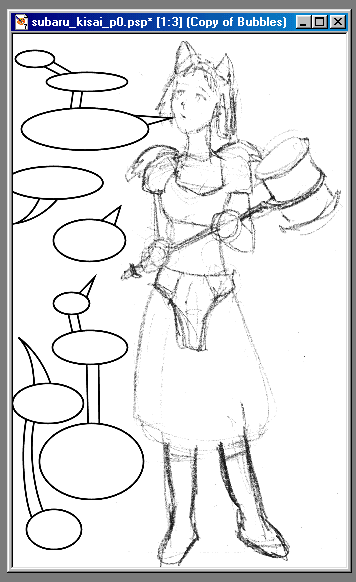
You should end up with somethihng like this:
(BTW, note that I changed "can" to "may". It was easy because the text is also in vector shapes. If it was a bitmap it would require some copy/cut/paste action. But as it's a vector a simple "edit text" was enough)
7) Right click on the layers right click the bubbles layer, and create another vector layer.
7.1) Name it "pointy thingies"
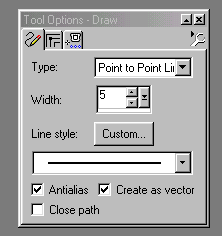
8)Select line tool (above the vector shape tool),
and set it like this: Point to Point line
[yes] anti alias
[yes] create as vector
[no] close path
8.1) Set the linewidth to the same as you used for bubbles.
8.2) Make sure you still have Black and White as active colours.
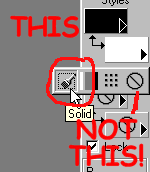
8.3) And also, make sure the background is set to solid colour, not "none"
9) Left click on the pointy thingies layer to make it active layer
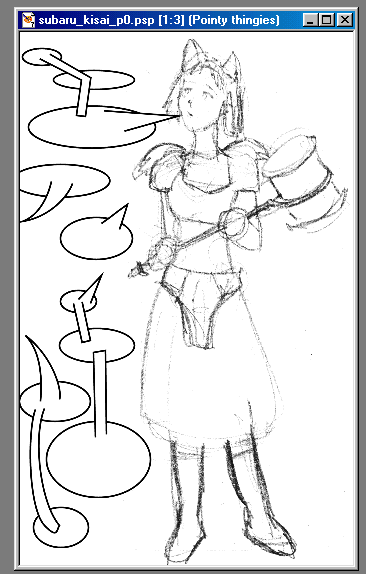
10) Draw pointy thingies.
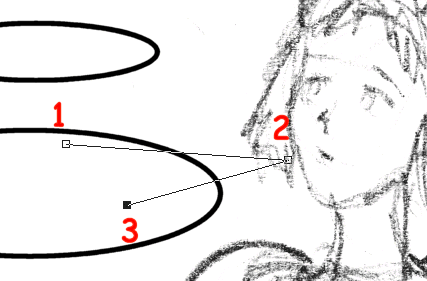
a) Left click somewhere inside the bubble.
b) Left click somewhere around the character's mouth
c) Left click somewhere inside the bubble, again.
d) If you're not satisfied with the looks of it, you can adjust the position of vertexes untill you are.
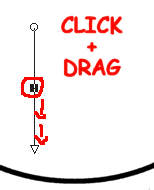
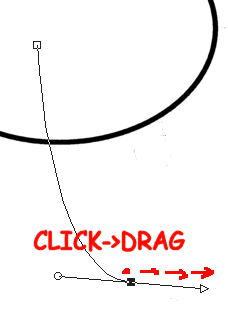
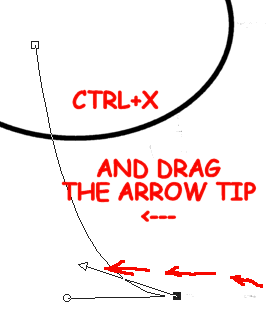
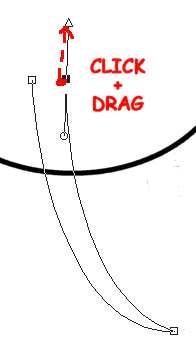
e) If you want some curvy pointy thingies, click-and-drag instead of just clicking, and then adjust the arrows to your liking, and press "Ctrl+X"* to make the point of the pointy thingie.
f) Press "Ctrl-Q" to finish the pointy thingie. (you can also access that through right-click pop-up menu)
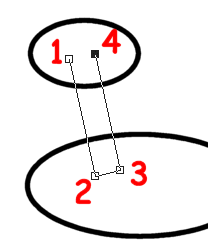
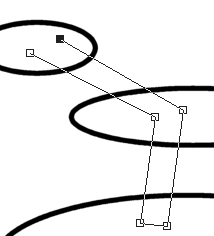
g) You can also make connections between bubbles that way:
11) Repeat 10 for other pointy thingies.
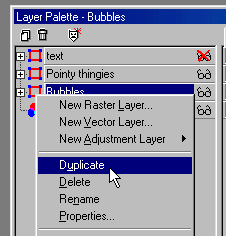
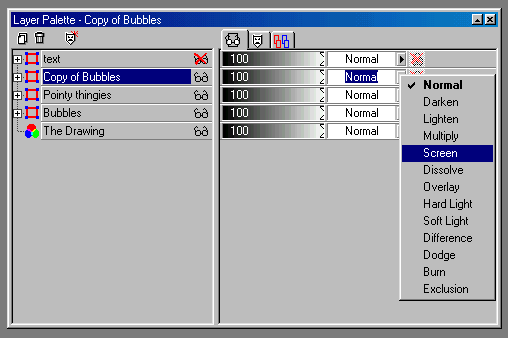
12) Duplicate the bubbles layer.
13) Arrange the layers like this: top->bottom
Duplicate of bubbles-> Pointy thingies.-> Bubbles.
14) Set the "duplicate of bubbles" to "screen"
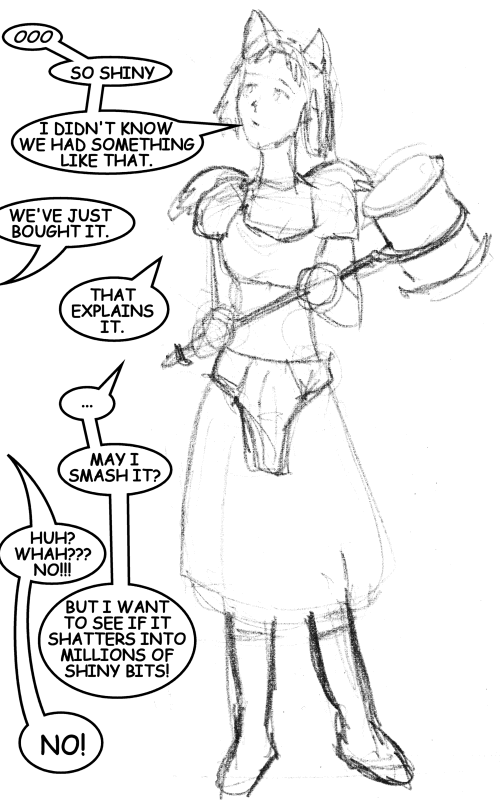
the result:
15) And finally, make the text layer visible again, and get the final stage:


 the result: